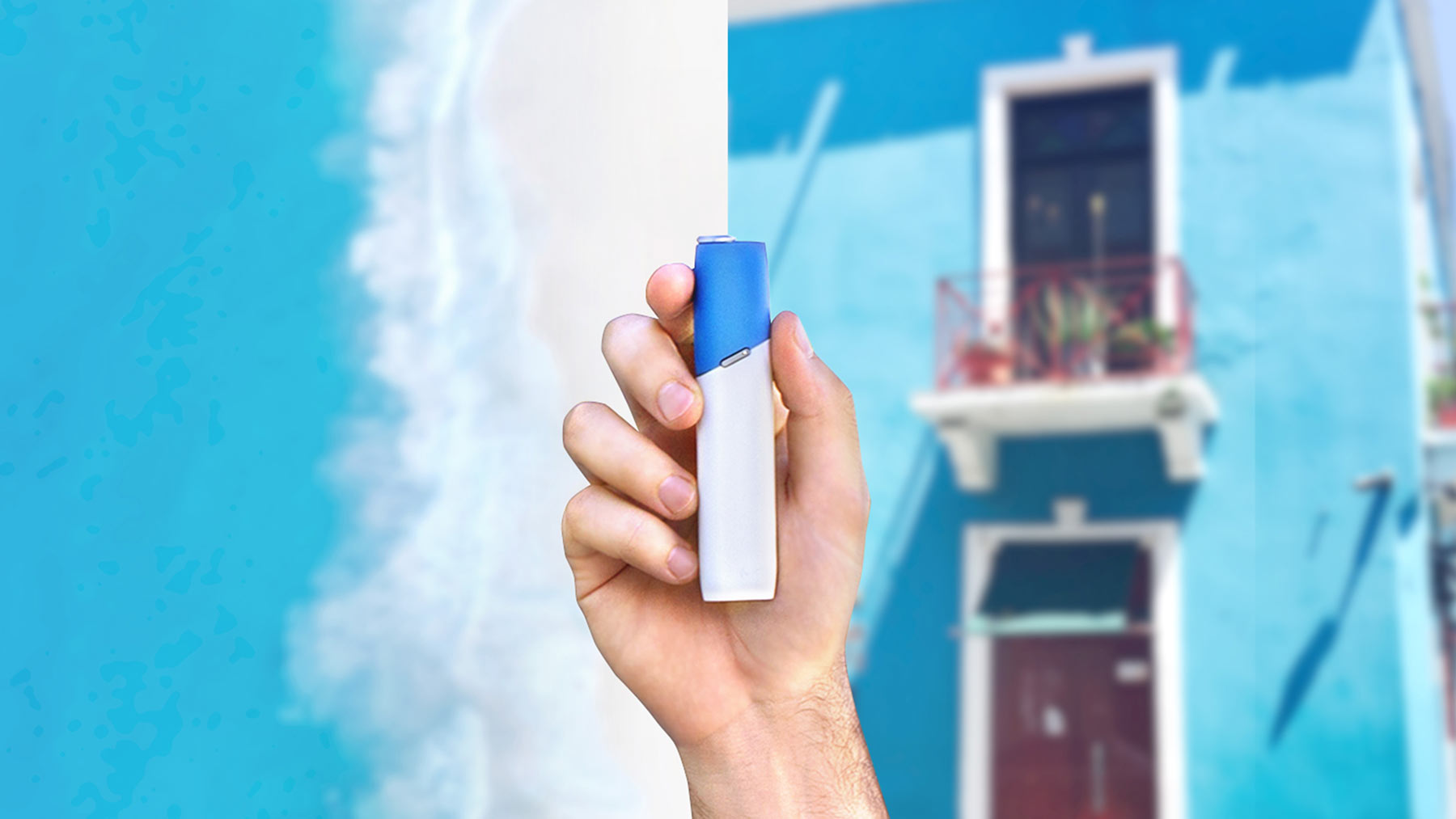
Free 12-month warranty upon IQOS ILUMA™ heated tobacco device purchases
Register your IQOS ILUMA™ heated tobacco device with Chinese product labeling, and upload proof of purchase to enjoy 12 months of free warranty and accidental damage coverage from the date of purchase.
Easy 3 steps
.png)
Add your IQOS device
After logging in, go to “My Devices” and click “add a device” to begin the registration process.
After logging in, go to “My Devices” and click “add a device” to begin the registration process.
.png)
Input product serial number
Find the 12-character alphanumeric serial number on the bottom of the packaging. You can either enter it manually or scan the product QR Code directly.
.png)
Upload proof of purchase (e.g., invoice or receipt)
Please upload your proof of purchase to ensure that your product warranty starts from the date of purchase. The proof of purchase must include the sales channel name (Taiwan local retailer or Taiwan duty-free store), device model, purchase amount, and purchase date or pickup date.
Register your IQOS device and unlock accidental damage coverage
Each device (Holder/ Charger) up to 1-time accidental damage coverage during the warranty period. The malfunction of ILUMA PRIME™ and ILUMA™’s auto-start and double tap is not covered by the warranty. Warranty period can be calculated from the date of purchase. If the prove of purchase is not attached, the warranty period will be determined by manufactured date.

Download your IQOS device user guide
Find out how your IQOS ILUMA™ series heated tobacco device works