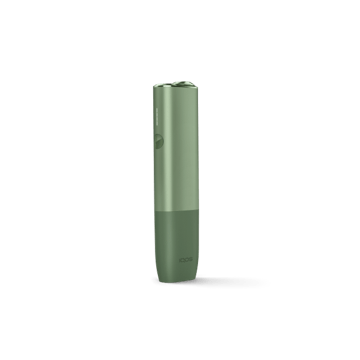
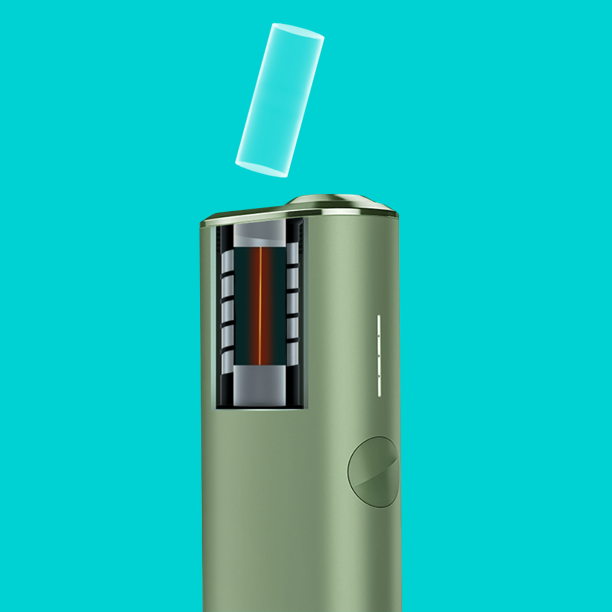
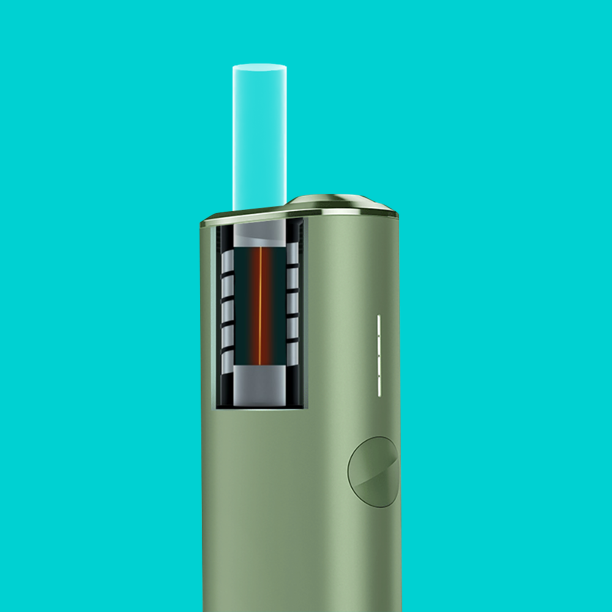
Inserting SMARTCORE STICK™
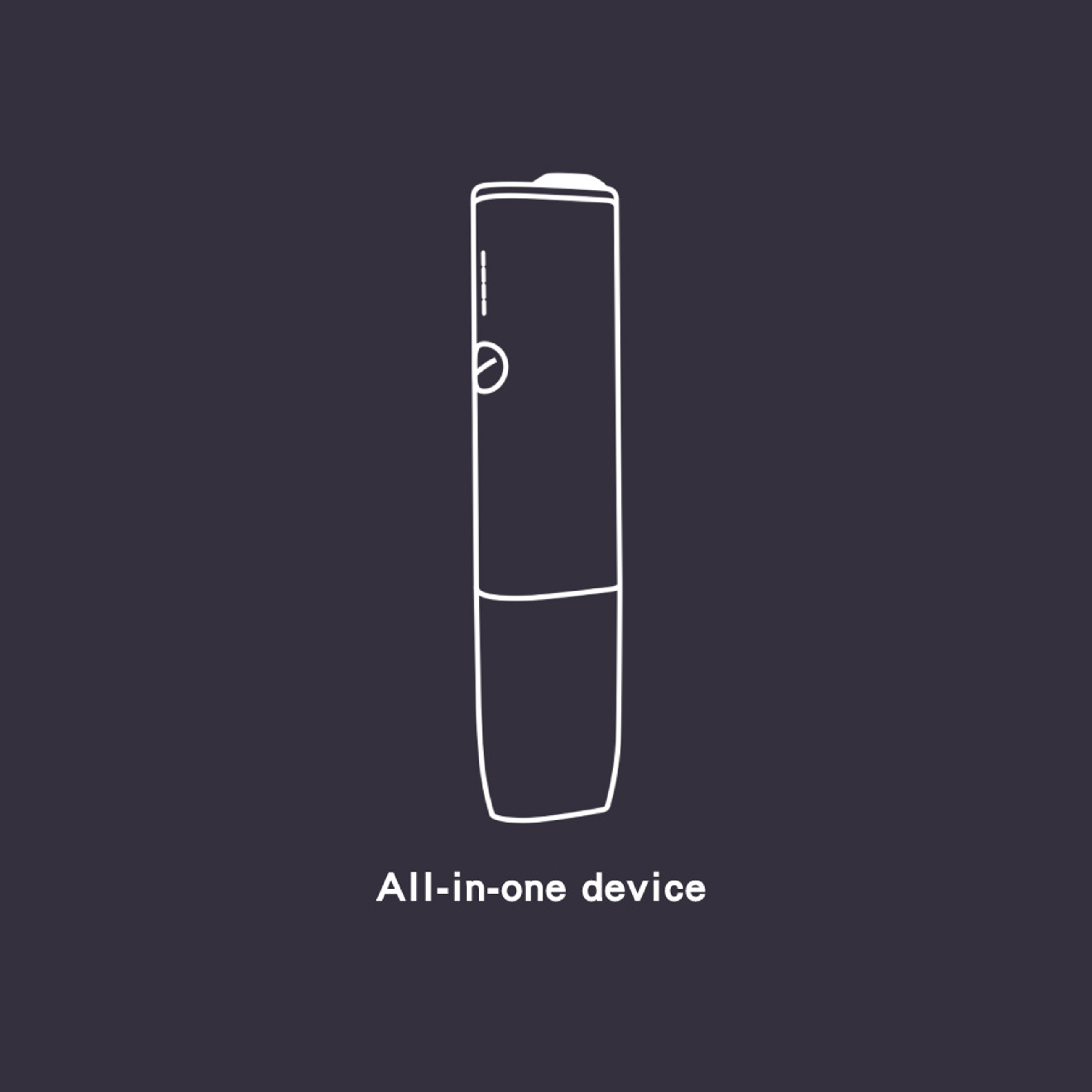
Do not remove the SMARTCORE STICK™ while the IQOS ILUMA ONE™ is in use. Before extracting the stick, please ensure the device is switched off. Carefully use two fingers to remove the SMARTCORE STICK™ once it has cooled down.
Why do I see the white status lights progressively switching off during my experience?
This is the experience count down. When you feel another vibration and only one status light pulsing white, your IQOS experience is nearly over (30 sec or 2 puffs remaining). Slide to close the cap.
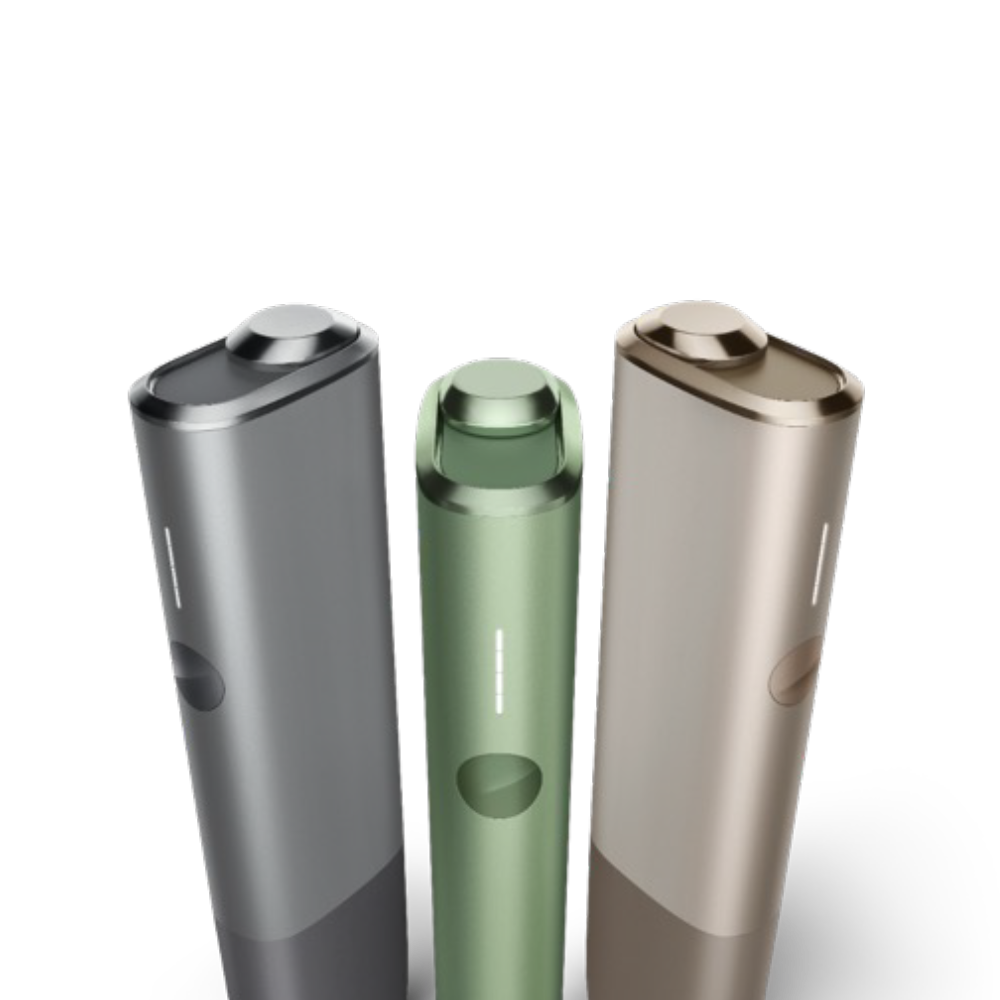
Why did all status lights blink twice in white and then switch-off?
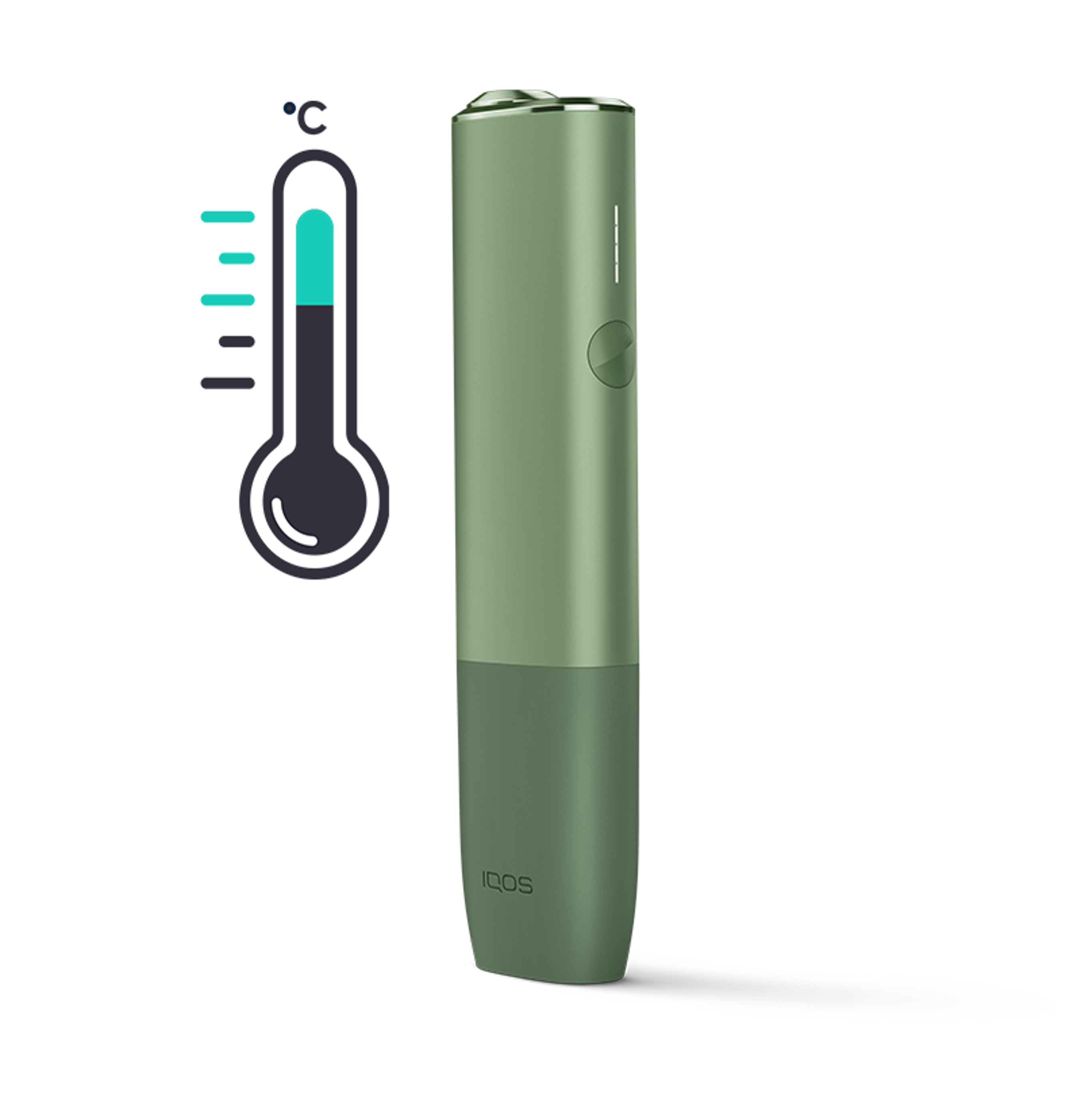
Your IQOS ILUMA ONE™ may be out of range of temperature (normal ambient temperature). If too cold, try to warm it in your hands and try again
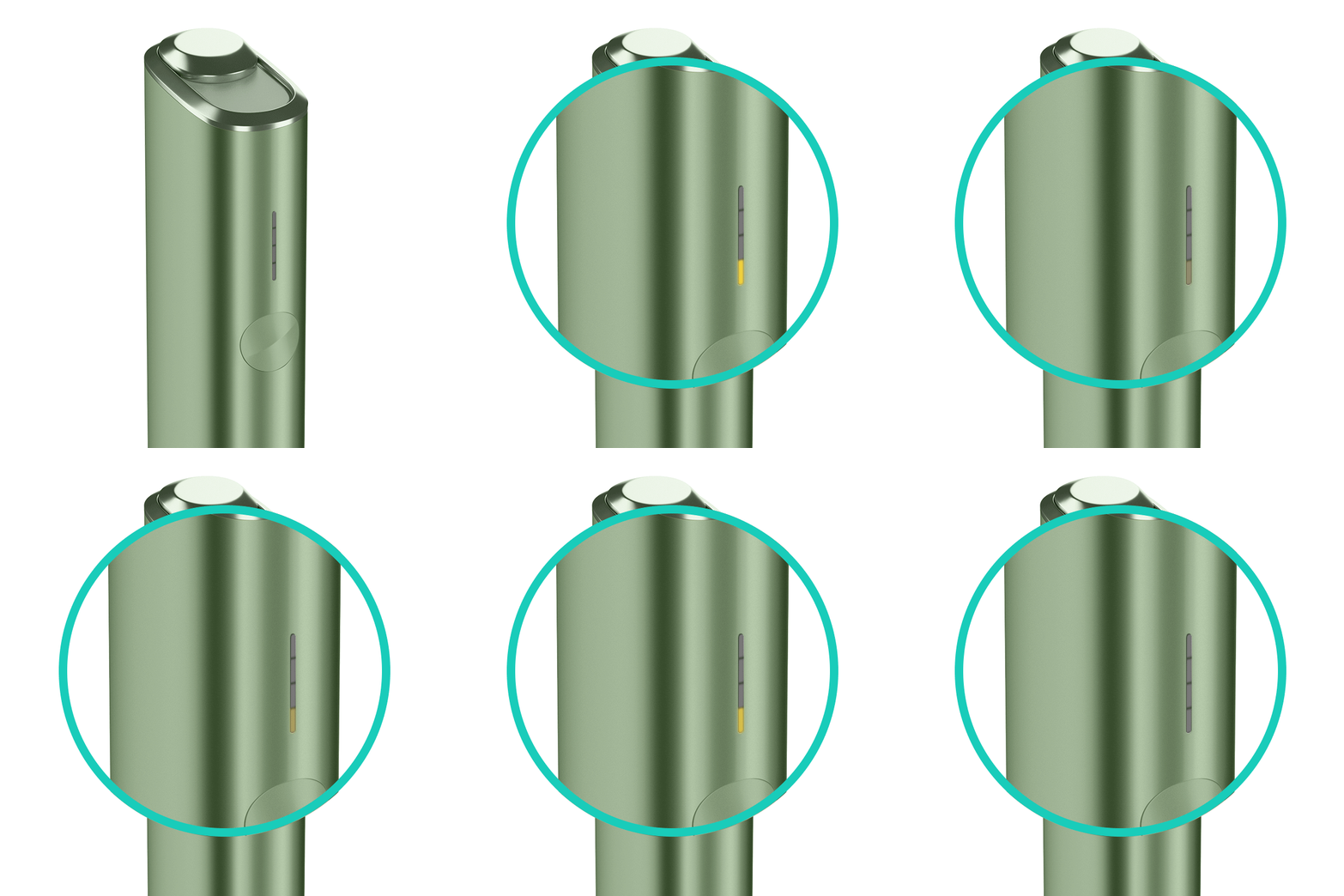
What should I do when bottom status light blinks yellow?
Tap the button on your IQOS ILUMA ONE™ to check the battery level. If the bottom of the status light strip blinks yellow, this means the battery is low on charge. Charge the IQOS ILUMA ONE™ with the manufacturer-approved power adaptor. For a full charge, plug the device for around 90 minutes. When full, all status lights will stay solid white and then turn off.
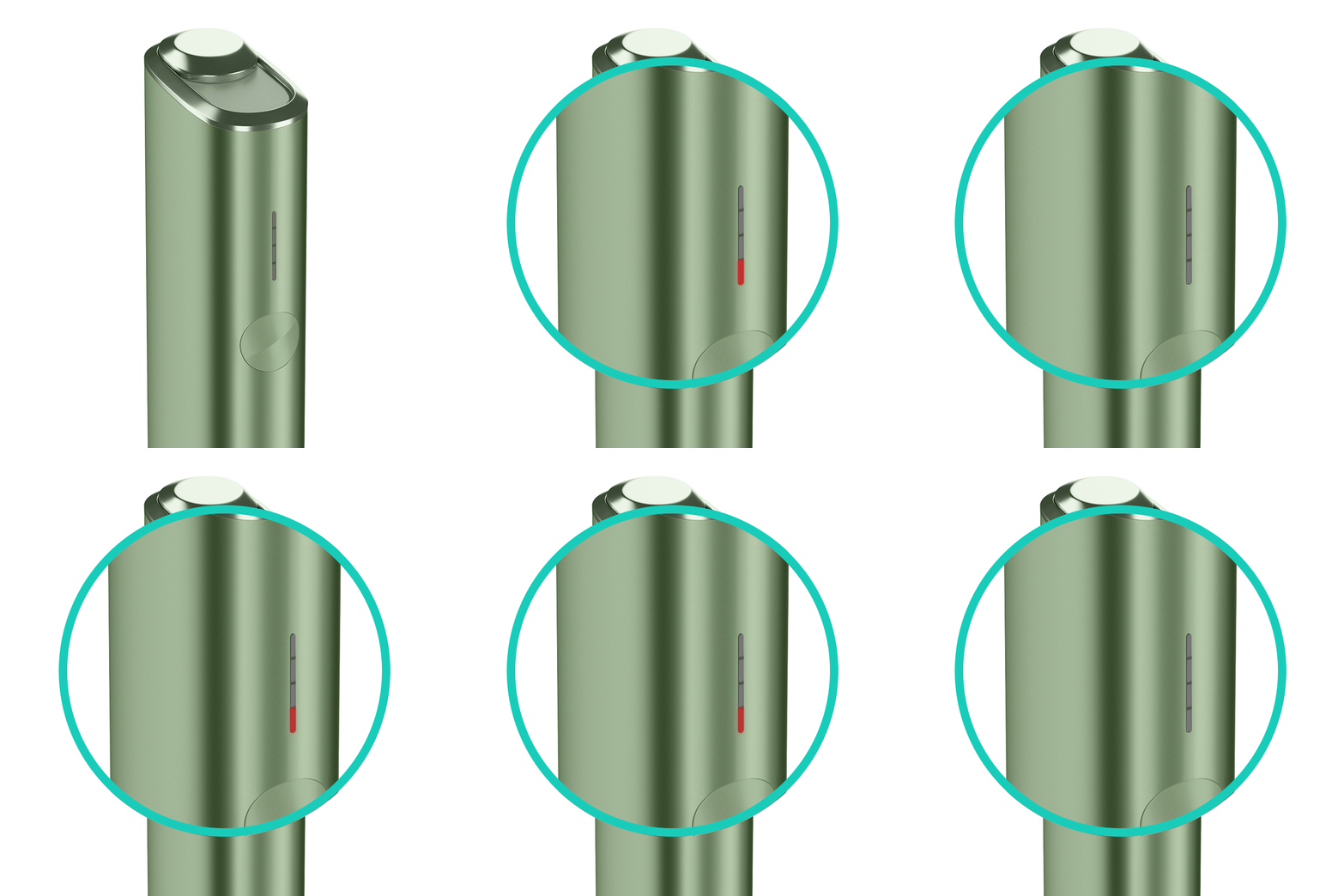
What should I do when bottom status light blinks red?
There might be a little error, please try to reset your IQOS ILUMA ONE™ . If the red light persist, please contact our customer service center.
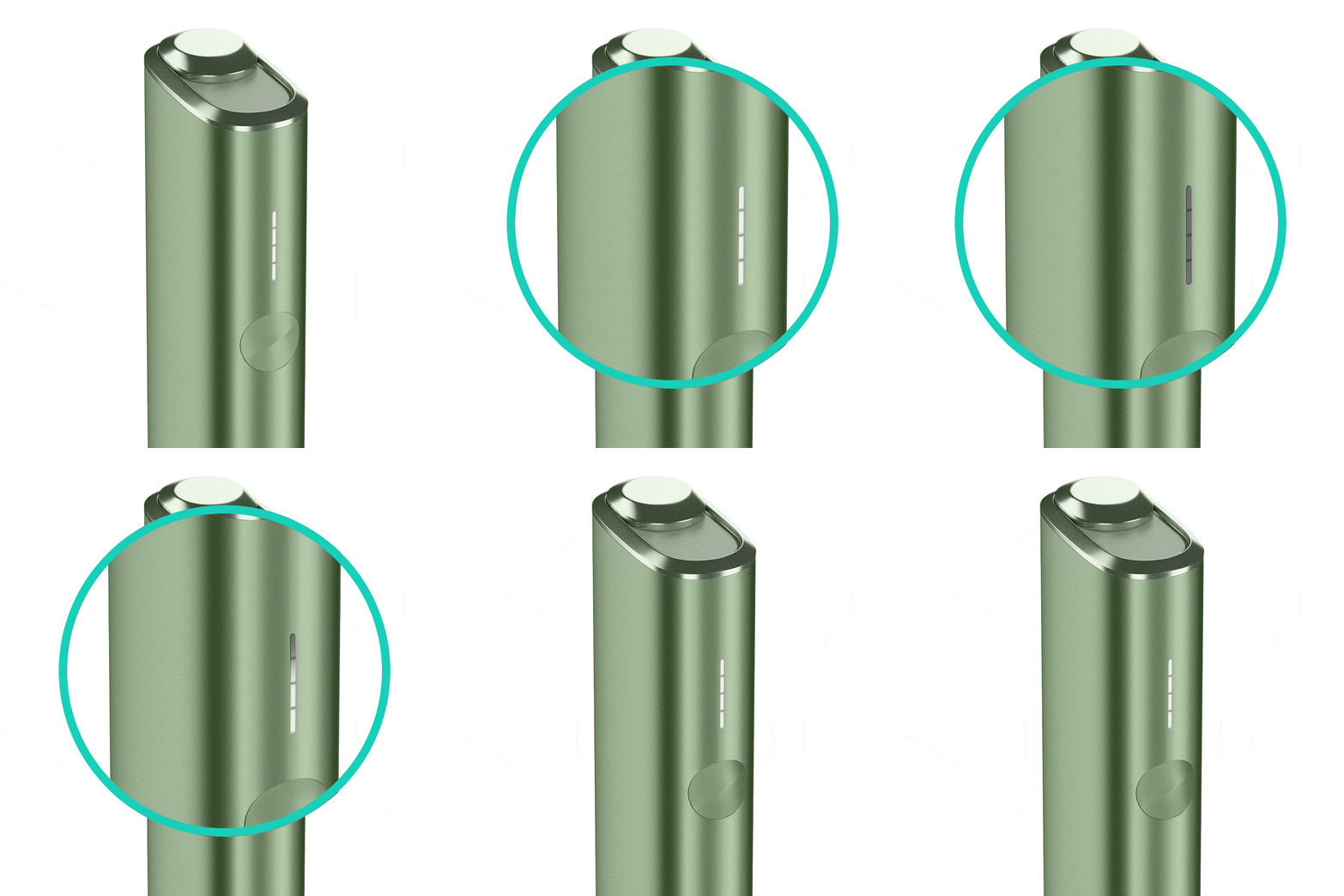
How to reset my IQOS device?
Press the IQOS ILUMA ONE™ button for 10 seconds. Keep the button pressed until you see all the status lights dim out. The RESET will be confirmed by all the lights briefly blinking white.
Is the SMARTCORE STICK™ not fitting or does it have limited aerosol quality?
- Make sure the SMARTCORE STICK™ wasn't accidentally used twice. Or check that it's not just an individual SMARTCORE STICK™ that isn't fitting properly. Isolated cases of SMARTCORE STICK™ not fitting occur very infrequently and it's almost never caused by a fault in the device.
- Ensure the SMARTCORE STICK™ was inserted correctly as per the user guide instructions.
- SMARTCORE STICK™ packs should not be stored in an environment which is too humid or too dry. Doing so can have an effect on the aerosol quality
Feel free to ask us any questions regarding IQOS device usage

Find IQOS Service Point
1:1 consultation, device trouble shooting, device warranty, and firmware upgrade.

Customer hotline
Please feel free to call us at 080-000-1905 for any support. The customer service center is available Monday to Friday from 10 am until 7 pm. Close on Saturday and Sunday.