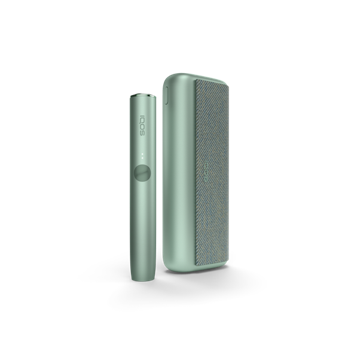
How to use IQOS ILUMA ONE™?

How to use
IQOS ILUMA ONE™?

IQOS ILUMA sensor operation

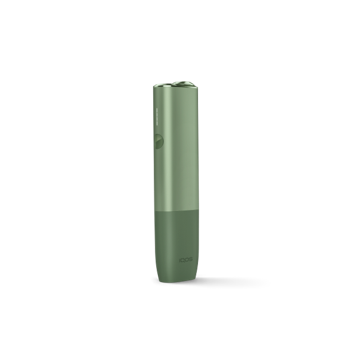
Get started with your IQOS ILUMA ONE™ with 3 steps

  1. Fully charge your device with the manufacturer-approved power adaptor before first use (about 90 minutes). Press the power button on the device for 4 seconds to turn it on or off.
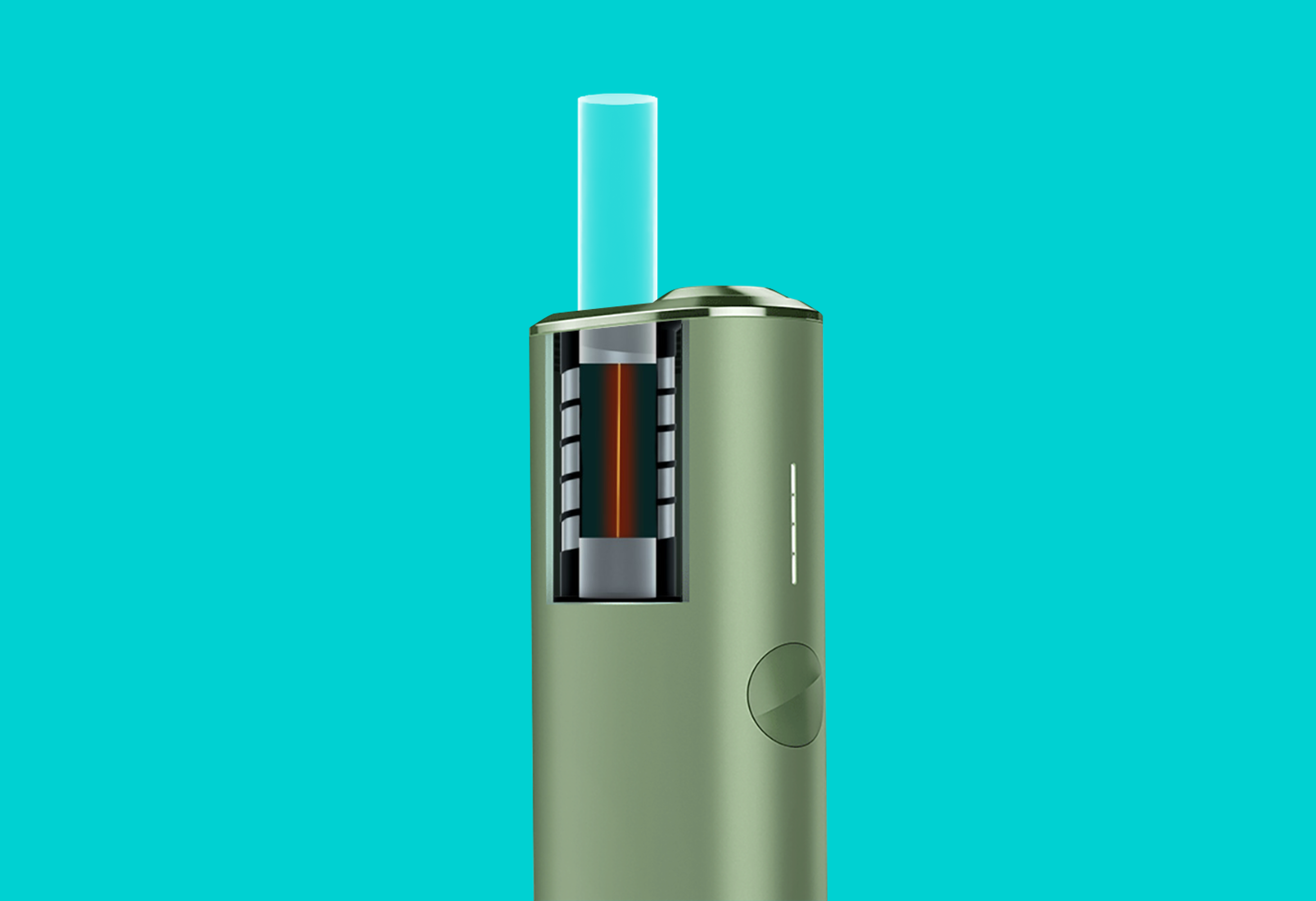
  2. Open the cap and insert the SMARTCORE STICKS™ up to the line on the filter. To activate, press the power button for at least 1 second until your IQOS ILUMA ONE™ vibrates and the LEDs pulsate. The device will heat up. When the second vibration occurs and the LEDs light up, you can begin to use.
  3. Another vibration signals that the tobacco stick is almost used up (30 seconds or 2 puffs remain). Dispose of the used SMARTCORE STICKS™ and close the cap again.

* During use, the usage will stop if the SMARTCORE STICK™ is removed from your IQOS ILUMA ONE™
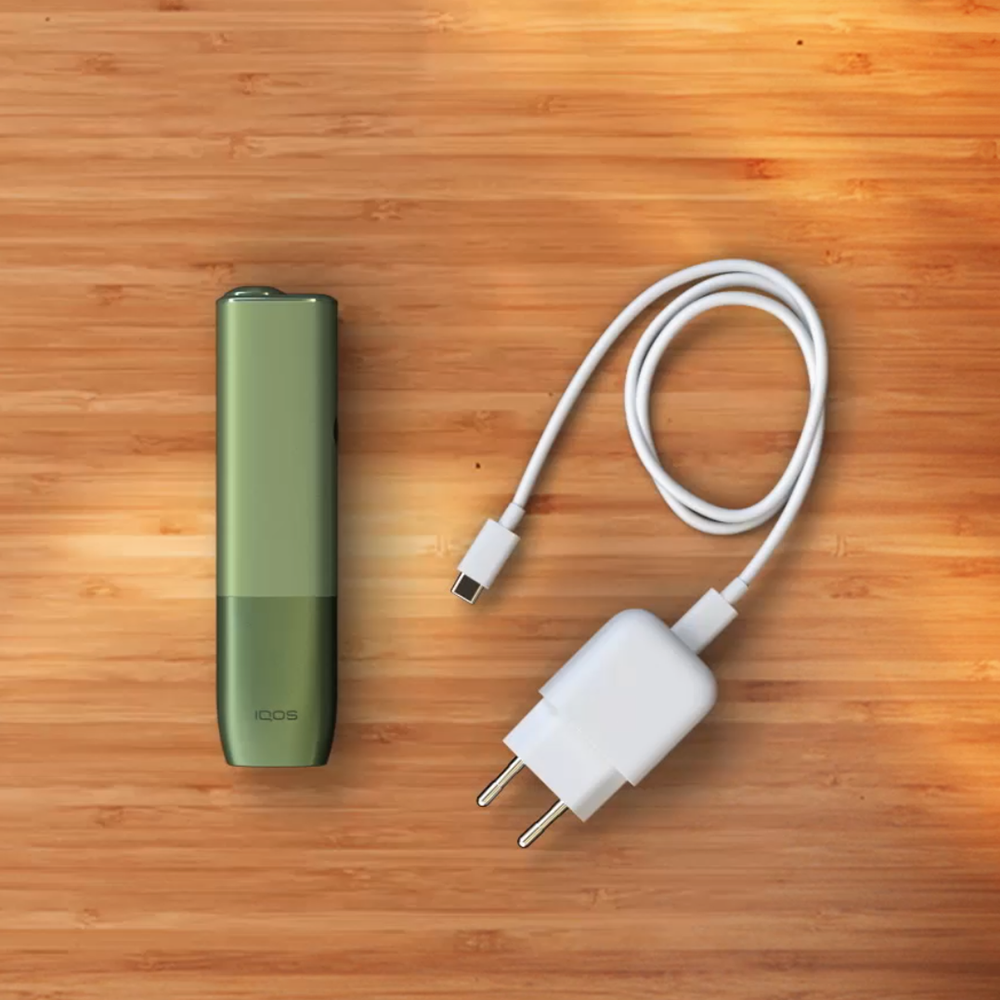
Charging your IQOS ILUMA ONE™​

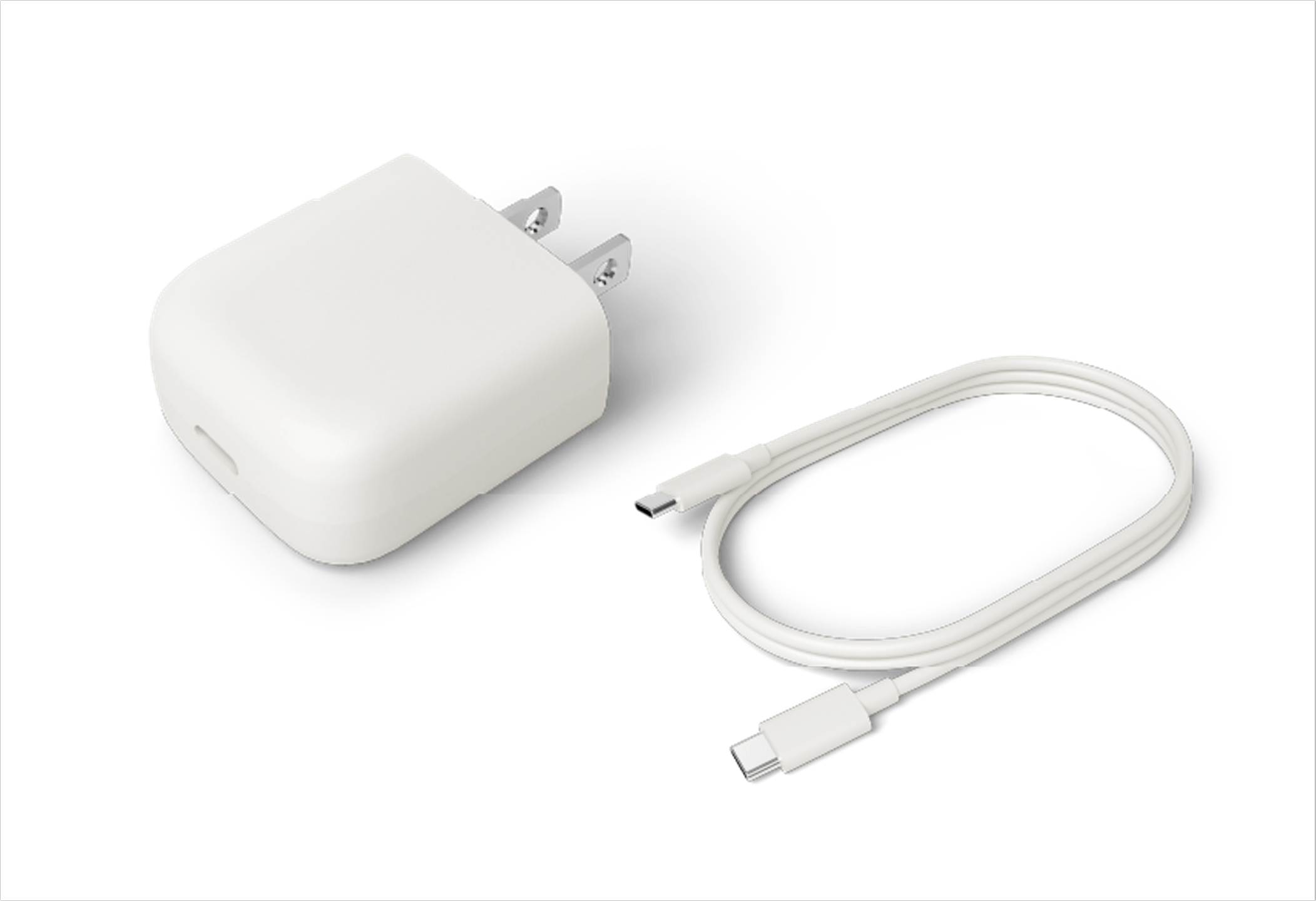
  1. Charge the IQOS ILUMA ONE™ with the manufacturer-approved power adaptor. When full, all lights will stay solid white and then turn off.​
  2. Short press the button on your IQOS ILUMA ONE™ to check the battery level. If the bottom of the status light strip blinks yellow, this means the battery is low on charge.
charge IQOS ILUMA ONE

IQOS ILUMA ONE™ usage tips

smartcore stick
Inserting SMARTCORE STICK™

Make sure you only use SMARTCORE STICK™ with your IQOS ILUMA ONE™. They are single use so ensure you do not reinsert a used one.

IQOS ILUMA ONE power adaptor
Maintaining optimal battery power

Charging your IQOS ILUMA ONE™ on a daily basis is the best to ensure you can use your IQOS when needed. Always charge the IQOS ILUMA ONE™ with the manufacturer-approved power adaptor.​

Only use IQOS ILUMA ONE™ with SMARTCORE STICKS™ specifically designed for IQOS ILUMA ONE™ devices. Never use IQOS ILUMA ONE™ with a cigarette or similar products. Do not use with the other NON-SMARTCORE™ induction heating devices, to avoid unforeseen health risks. Do not modify SMARTCORE STICKS™ in any way or add any substance to SMARTCORE STICKS™. Doing so may cause injury. See important information.

IQOS ILUMA ONE™ user guide

IQOS ILUMA ONE™ user guide

A user guide ia included with every IQOS ILUMA ONE™ device, if it is misplaced, a digital version is available for download here.

A user guide ia included with every IQOS ILUMA ONE™ device, if it is misplaced, a digital version is available for download here.

Download

Download

IQOS ILUMA ONE user guide

Having problems?
Troubleshoot your IQOS ILUMA ONE™

Troubleshooting

Feel free to ask us any questions regarding IQOS device usage

Find IQOS Service Point

1:1 consultation, device trouble shooting, and device warranty.


1:1 consultation, device trouble shooting, and device warranty.

Find store

Find store

 
Customer hotline

Please feel free to call us at 080-000-1905 for any support. The customer service center is available Monday to Friday from 10 am until 7 pm. Close on Saturday and Sunday.

Call us

Call us

Send us email

Please feel free to write to us for any support.
 

Please feel free to write to us for any support. 

Email us

Email us