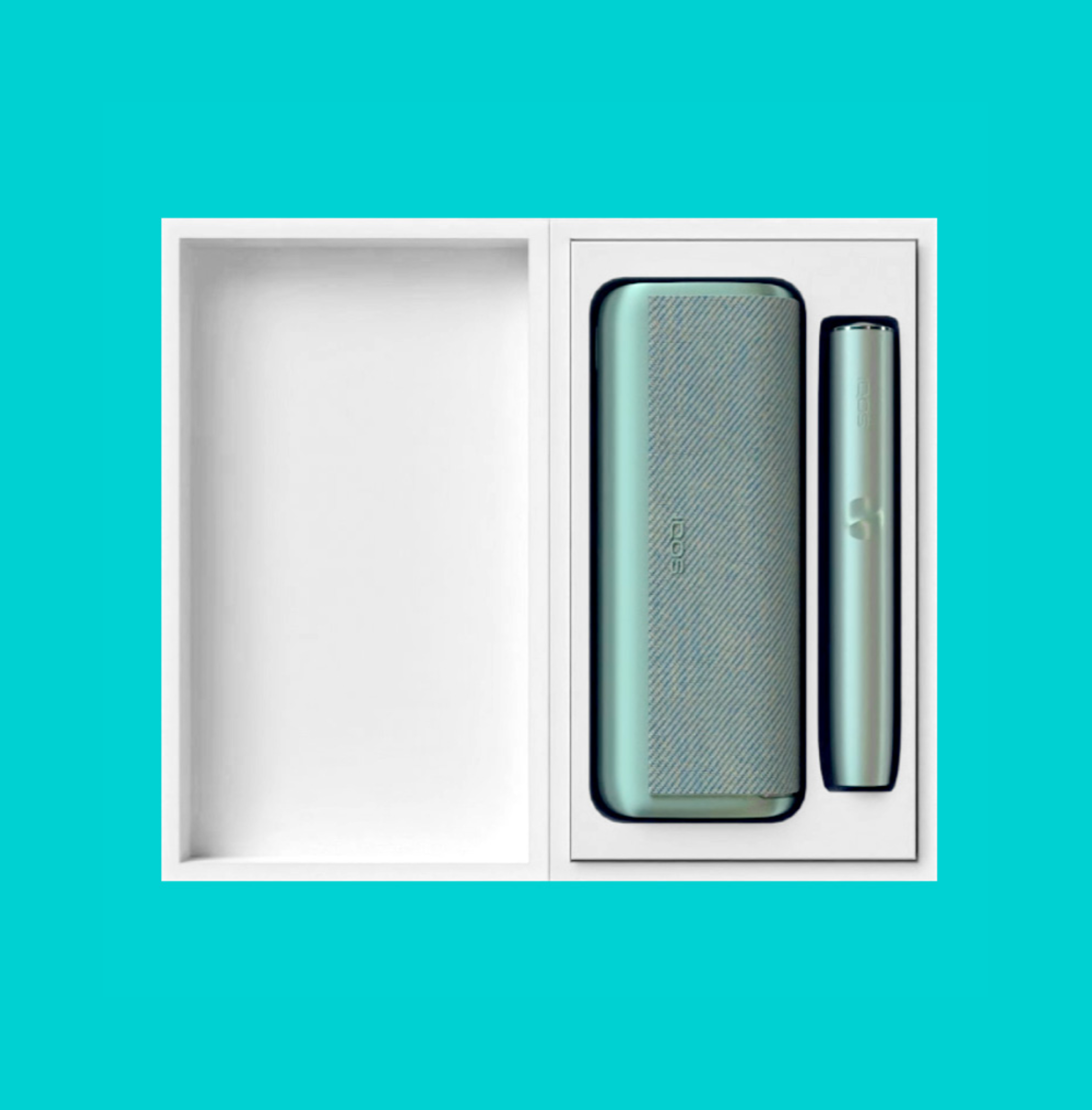
How to use IQOS ILUMA™?

How to use
IQOS ILUMA™?

Get started with your IQOS ILUMA™ with 3 steps

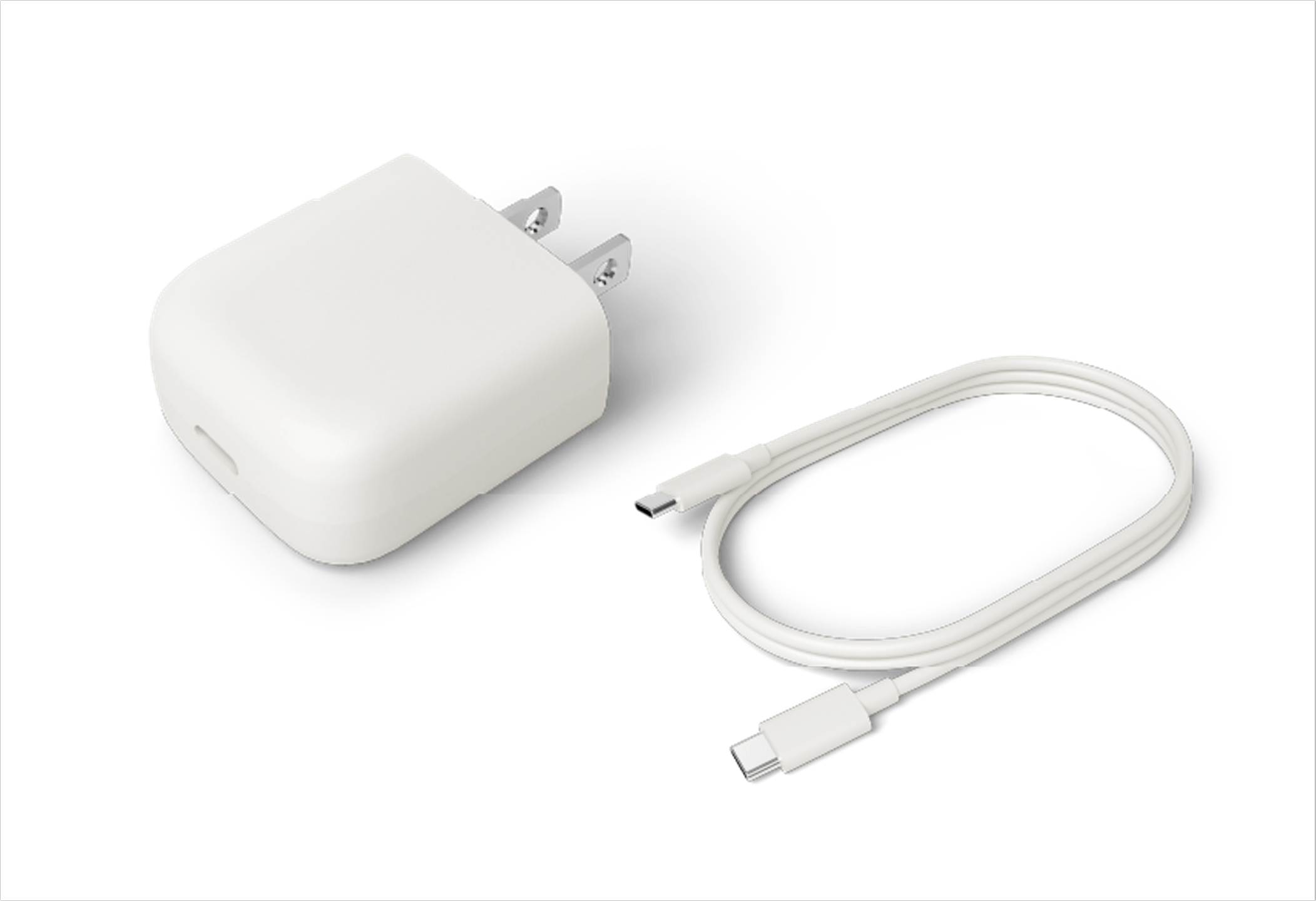
  1. Fully charge your device with the manufacturer-approved power adaptor before first use (about 135 minutes). Press the power button on the device for 4 seconds to turn it on or off. ​
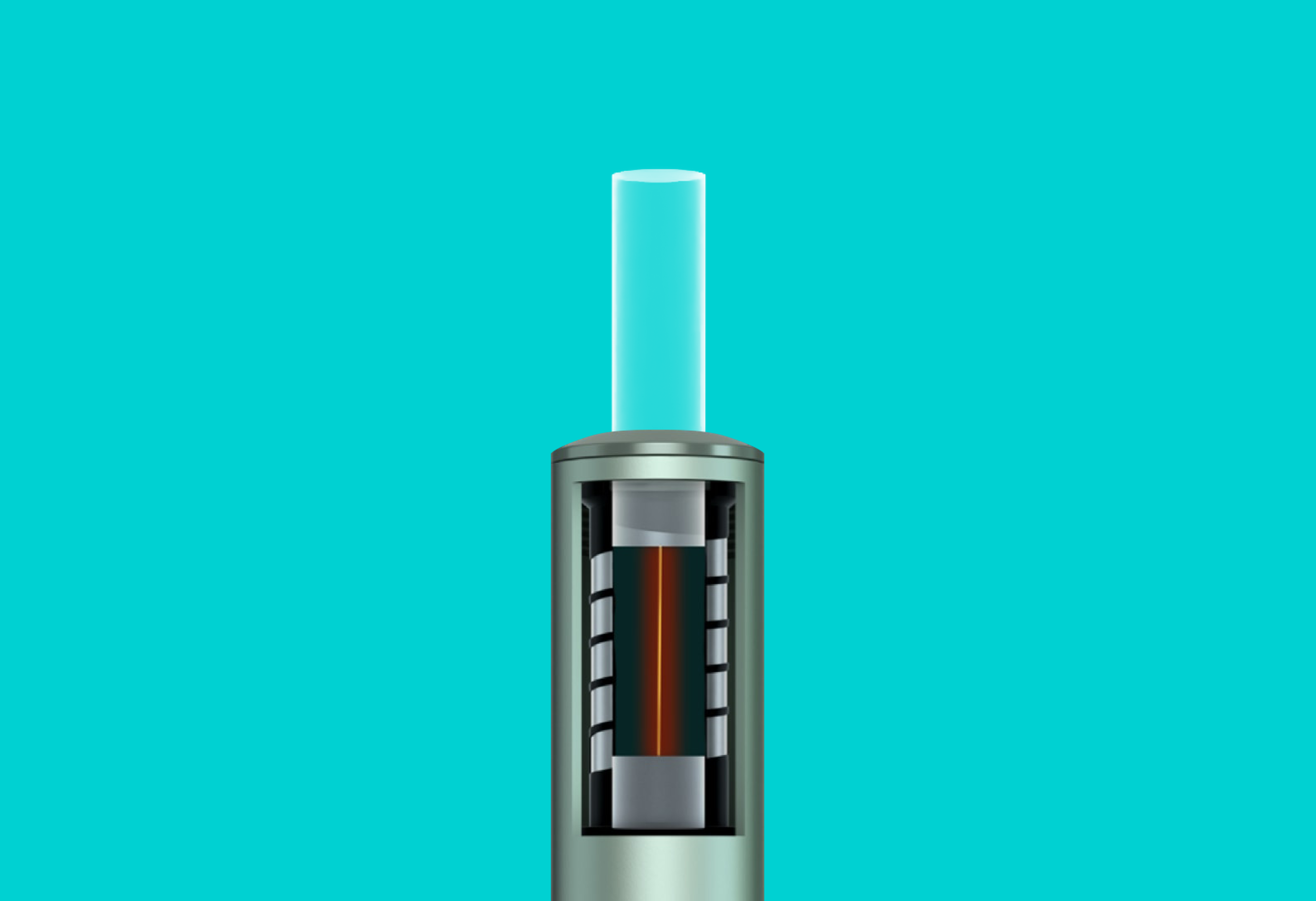
  2. Insert the SMARTCORE STICKS™ up to the line on the filter. Preheating starts automatically via the auto-start function. If this is deactivated, press the power key for 1 second to start the preheating manually. The first vibration and slowly pulsating LEDs mean that the device is heating up. With the second vibration and one (or two) lit LEDs, you can start to use. ​
  3. Another vibration signals that the tobacco stick is almost used up (30 seconds or 2 puffs remain). Dispose of used SMARTCORE STICKS™ and insert Holder into Pocket Charger for recharging.
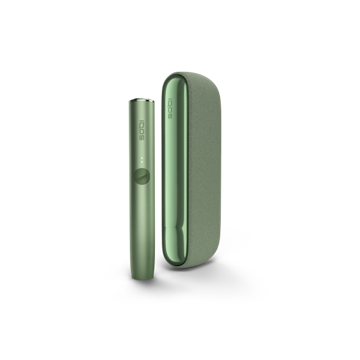
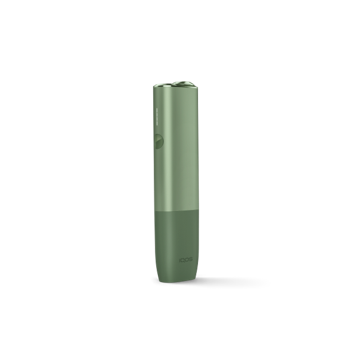
IQOS ILUMA kit

Charging your IQOS ILUMA™​

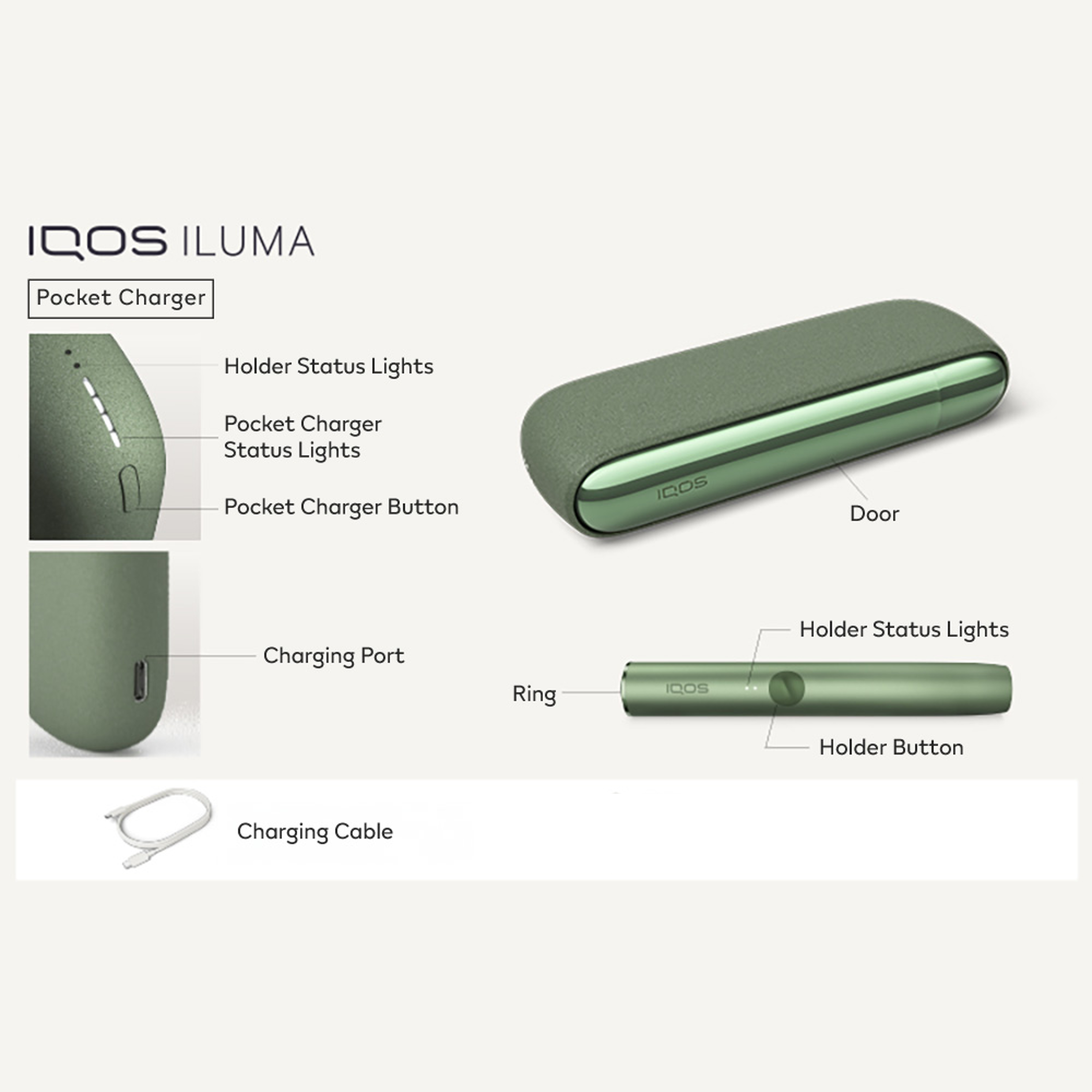
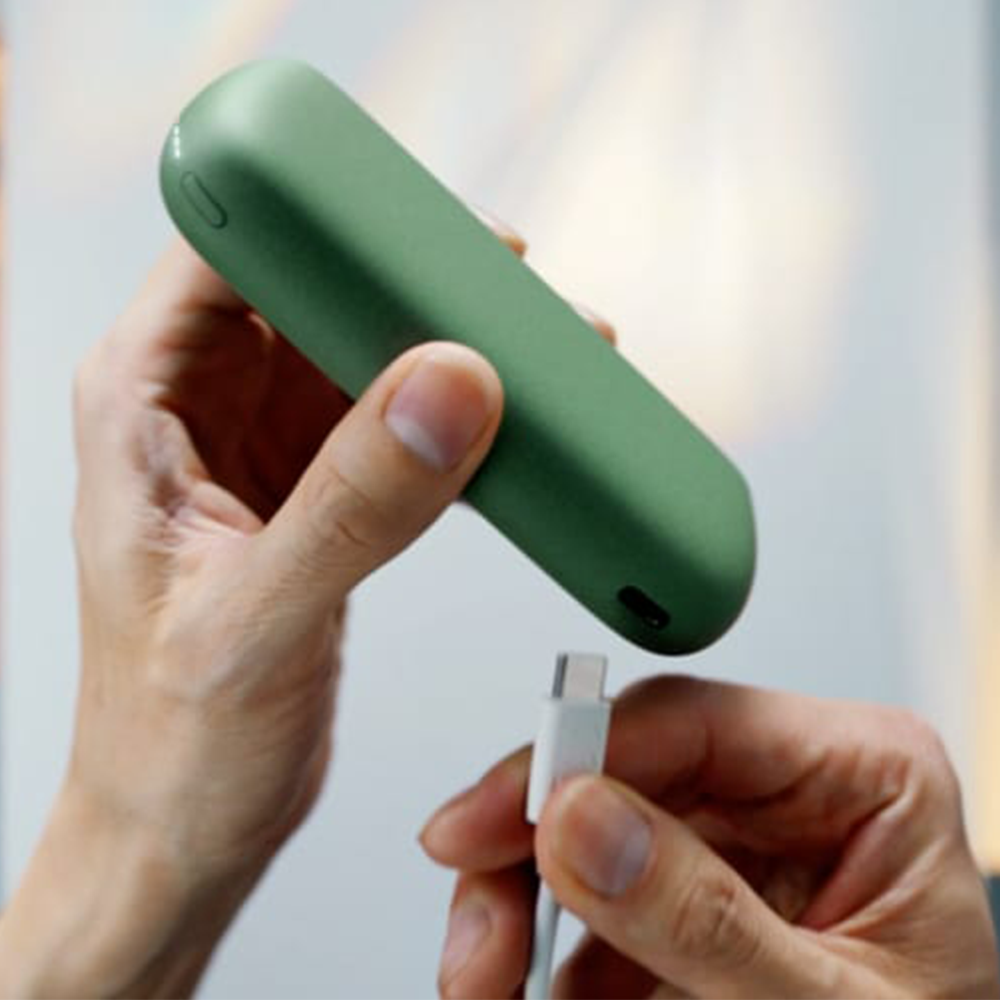
  1. Charge the Pocket Charger with the manufacturer-approved power adaptor. Short press the button on your IQOS ILUMA™ Pocket Charger to check its battery level. If the bottom of the light strip flashes yellow 3 times this means the battery is low on charge. When the status bar is fully lit up, your device is fully charged and can be used up to 20 experiences. Please note that it can take up to 20 minutes to have a light pattern if it was deeply discharged. ​
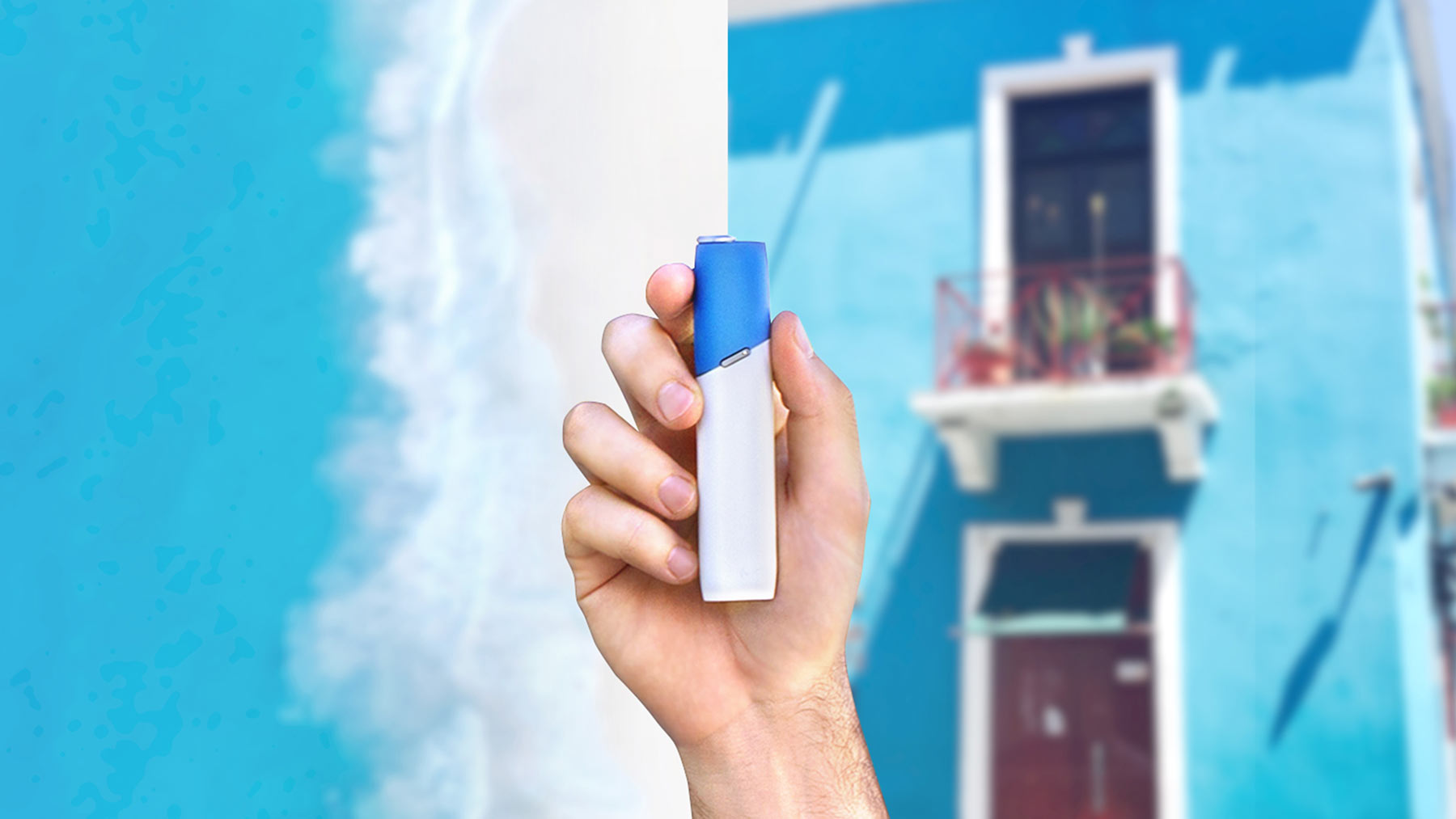
  2.  ​Check the status lights on your IQOS ILUMA™ Holder. Two round lights mean your Holder is fully charged and ready for two uses. One round light means you only have one use left. If the lower status light blinks yellow 3 times this indicates, you need to recharge your Holder. ​
  3. Remove the SMARTCORE STICK™ by pulling it upwards and insert the Holder in the Pocket Charger. The two round lights on the Pocket Charger will indicate how the Holder is charging.
charge IQOS ILUMA
IQOS ILUMA sensor operation

IQOS ILUMA™ sensor operation and more features​

Auto-start
Your IQOS ILUMA™ Holder starts preheating automatically after you insert a SMARTCORE STICK™. 

Lift up
By lifting the Holder when you are not in an experience it will show how many uses are left, by displaying one or two status lights.

Double tap
Simply double tap your Holder during the use and the holder will vibrate to indicate how much of the experience is left:

  • 3 vibrations: 75-50%
  • 2 vibrations: 50-25%
  • 1 vibration: < 25%

IQOS ILUMA™ usage tips

smartcore stick
Inserting SMARTCORE STICK™

Make sure you only use SMARTCORE STICK™ with your IQOS ILUMA™. They are single use so ensure you do not reinsert a used one.

IQOS ILUMA power adaptor
Maintaining optimal battery power

Charging your IQOS ILUMA™ Pocket Charger on a daily basis is the best way to ensure you can always enjoy your IQOS. Always charge the Pocket Charger with the manufacturer-approved power adaptor.

Only use IQOS ILUMA™ with SMARTCORE STICKS™ specifically designed for IQOS ILUMA™ devices. Never use IQOS ILUMA™ with a cigarette or similar products. Do not use with the other NON-SMARTCORE™ induction heating devices, to avoid unforeseen health risks. Do not modify SMARTCORE STICKS™ in any way or add any substance to SMARTCORE STICKS™. Doing so may cause injury. See important information.

IQOS ILUMA™
user guide

IQOS ILUMA™
user guide

A user guide ia included with every IQOS ILUMA™ device, if it is misplaced, a digital version is available for download here.

A user guide ia included with every IQOS ILUMA™ device, if it is misplaced, a digital version is available for download here.

Download

Download

IQOS ILUMA user guide

Having problems?
Troubleshoot your IQOS ILUMA™

Troubleshooting

Feel free to ask us any questions regarding IQOS device usage

Find IQOS Service Point

1:1 consultation, device trouble shooting, and device warranty.


1:1 consultation, device trouble shooting, and device warranty.

Find store

Find store

 
Customer hotline

Please feel free to call us at 080-000-1905 for any support. The customer service center is available Monday to Friday from 10 am until 7 pm. Close on Saturday and Sunday.

Call us

Call us

Send us email

Please feel free to write to us for any support.
 

Please feel free to write to us for any support. 

Email us

Email us